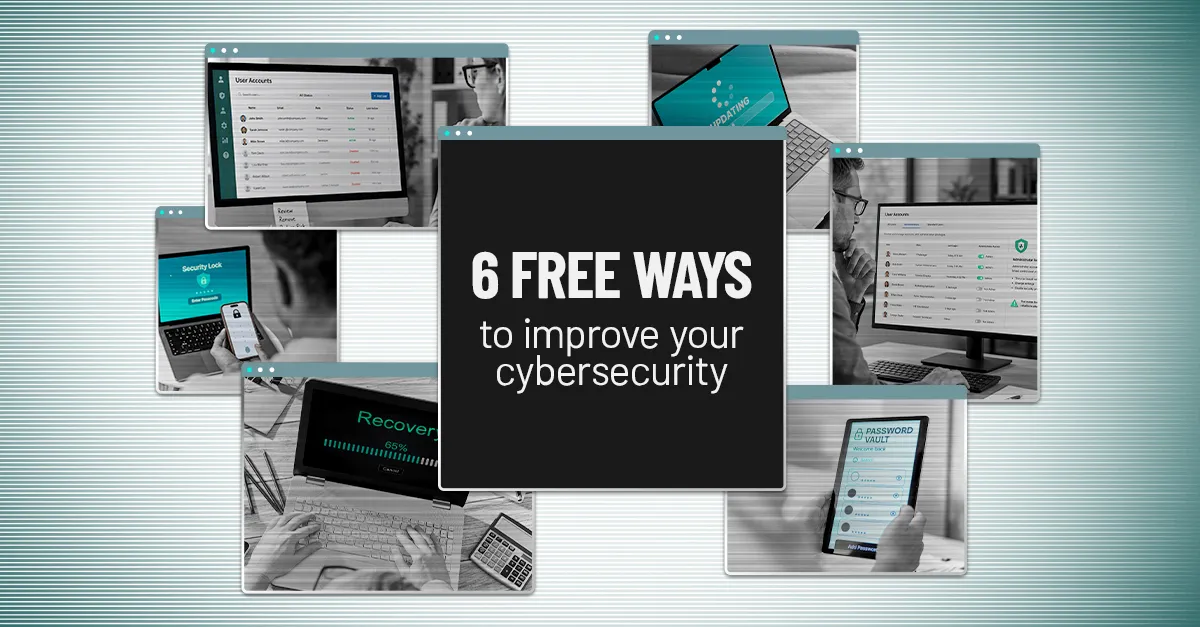
Six Practical Cybersecurity Improvements That Do Not Require a Bigger Budget
Cybersecurity spending can add up quickly. New security platforms, monitoring tools and other technology all have a place, but improving your cybersecurity does not always require buying something new.
Some meaningful security improvements come from making better use of what your business already has.
The challenge is making sure those basic protections have actually been implemented and continue to be managed properly. A security setting that was never enabled, an old account nobody removed or a backup nobody has tested can create unnecessary risk even when the business has invested in other cybersecurity protections.
Here are six practical areas worth reviewing.
1. Strengthen Important Accounts With Multi-Factor Authentication
Passwords alone provide limited protection. If an attacker steals or guesses someone's password, they may be able to access the account using the same credentials as the employee.
Multi-factor authentication, or MFA, adds another verification step. Depending on the platform, that could involve an authentication app, security key, biometric verification or another method.
That additional step can make a stolen password much less useful to an attacker.
If MFA is not already widely implemented, prioritize accounts that could create significant business exposure if compromised, including:
Microsoft 365 or Google Workspace
Banking and payroll systems
Cloud storage
Remote access and VPN accounts
Other business-critical applications
Many platforms already include MFA capabilities, so improving account security may simply require properly enabling and configuring features you already have.
2. Remove Accounts and Access That Are No Longer Needed
Businesses change constantly. Employees leave, contractors finish projects, vendors change and job responsibilities evolve.
Access does not always change with them.
An account belonging to someone who left months ago may still be active. A vendor may retain access long after a project ends. An employee who changed roles may still have permissions from their previous position.
Those forgotten accounts and permissions create unnecessary opportunities for unauthorized access.
Your organization should periodically review accounts and ask:
Does this person still need access?
Does this account still serve a legitimate business purpose?
Does the user need access to everything currently available to them?
Have former employees and vendors been fully removed?
This should also be part of a consistent employee offboarding process so leadership does not have to wonder whether someone's access was actually shut down after they left.
3. Limit Administrator Privileges
Administrator accounts can make significant changes to systems. Depending on the platform, an administrator may be able to install software, change configurations, create users or disable security protections.
That level of access is necessary for certain responsibilities, but most employees do not need it for their everyday work.
If an account with administrator privileges is compromised, the attacker may gain considerably more control than they would through a standard user account.
Review who currently has elevated access and whether they genuinely need it.
The objective is not to make employees' jobs harder. It is to give people enough access to perform their responsibilities without providing unnecessary privileges that increase the potential impact of a compromised account.
4. Make Sure Important Systems Stay Updated
Software vulnerabilities are regularly discovered in operating systems, browsers and business applications. Updates often include security fixes designed to address those weaknesses.
The longer known vulnerabilities remain unpatched, the longer attackers may have an opportunity to exploit them.
Automatic updates can help reduce that exposure, particularly for:
Windows and macOS computers
Smartphones and tablets
Web browsers
Microsoft Office applications
Antivirus and security software
Other important business applications
For organizations with centrally managed technology, your IT provider should also have a process for monitoring updates rather than relying entirely on individual employees to keep devices current.
This is a good example of a cybersecurity responsibility that should happen in the background without requiring leadership to continually follow up.
5. Give Employees a Better Way to Manage Passwords
Telling employees to create a different complex password for every account sounds reasonable until you consider how many accounts the average person uses.
Without a practical system, employees may reuse passwords, create predictable variations or store credentials somewhere insecure.
A password manager provides a more manageable approach. It can help employees generate strong, unique passwords and securely store them without having to remember every credential.
For businesses, password management can also provide a safer method for handling credentials that legitimately need to be shared.
As passkeys become more widely available, a modern password manager can also help employees adopt newer authentication methods without requiring them to manage everything manually.
6. Verify That Your Backups Can Actually Be Restored
Having backups and being able to recover from backups are two different things.
A backup system may appear to be running normally until the day you actually need information restored. That is a poor time to discover that something was misconfigured, important data was not included or recovery takes significantly longer than expected.
Ask whoever is responsible for your backups:
When was the last successful backup?
What systems and information are actually being protected?
When was a restore last tested?
How long would recovery reasonably take?
Who is responsible for managing the recovery process?
You do not need to personally monitor backup jobs. You should be able to receive a clear answer confirming that backups are working and recovery has been tested.
That distinction matters because the real business objective is not simply having backups. It is being able to resume operations when something goes wrong.
Good Cybersecurity Starts With Consistency
Cybersecurity does not always improve by adding another product.
Sometimes the biggest opportunity is making sure the protections you already have are being used correctly and consistently.
MFA should remain enabled. Former employees should lose access promptly. Administrator privileges should be controlled. Updates should happen consistently. Employees should have practical ways to protect credentials. Backups should be monitored and tested.
None of those responsibilities should depend on a business leader remembering to check them.
Someone should own them.
Know That the Basics Are Being Handled
For leadership, cybersecurity confidence comes from knowing important responsibilities are being handled appropriately, not from personally managing every security setting.
ResTech Solutions helps businesses put practical cybersecurity safeguards in place and manage them proactively so important protections do not quietly get overlooked.
If you are unsure whether these cybersecurity fundamentals are consistently in place across your business, schedule a conversation with ResTech Solutions. We can help you understand what is already working, identify gaps that deserve attention and determine practical next steps.
